
Searching Cases by Name
Arkansas puts its public case information on Search ARCourts. Pick the Participants context for a person. Type the last name first, and only add a first or middle name if you need to. A common name can drag in unrelated counties and courts, so the Jefferson County and court filters matter just as much as spelling. Searching a business? Use the organization or case-description path, never the person's last-name box.
- Open Search ARCourts and select the Participants context.
- Enter the last name, then add first and middle names to narrow it.
- Use advanced filters for Jefferson County and the expected court.
- Compare the court, case number, type, and filing date before opening a result.
- Read the events from oldest to newest and verify any live setting with the division.
A matching name proves nothing by itself. Check the court level, the filing date, the case type, and the full number to tell similar results apart. Once the public result points you to the right file, any missing image or official copy is a question for the clerk that holds it.
| Field Label | Type | Required | Notes |
|---|---|---|---|
| Search Context | Dropdown | Unspecified | Participants and case or organization paths serve different searches. |
| First Name | Text | Context-dependent | The interface shows a limit of up to 200 characters. |
| Middle Name | Text | No or unspecified | Useful when common names return several records. |
| Last Name | Text | Context-dependent | Start here for a participant search. |
| Court and County | Advanced filter | No | Select Jefferson and the actual docket-owning court. |
| Filing or Event Date | Date filter | No | Useful for narrowing older or repeated names. |
Jefferson County Case Search Contexts
Why does Search ARCourts offer several search routes? Names, organizations, descriptions, and case identifiers are different kinds of queries, so the portal gives each its own context. A participant search scans public name fields. An organization or case-description query suits a business or a descriptive caption. With a case or citation number in hand, the Cases context is the stronger route, and its advanced controls can narrow results by court, county, case type, docket code, or filing date as the interface allows.
The portal keeps changing. Don't lean on a memorized set of dropdowns. Open the official site fresh, use its current filters, and confirm each result lists Jefferson County and the expected Circuit or District Court. One more caution: Search ARCourts is a discovery layer. It neither turns an eFlex filing account into public access nor promises a downloadable document behind every indexed event.
Searching by Case Number
An exact number is usually the cleanest Jefferson County case search. Circuit criminal files follow the pattern 35CR-YY-sequence, and Circuit civil files follow 35CV-YY-sequence. Every piece matters. The county code, the case-type letters, the year segment, the hyphens, and the sequence all point to one file. Keep leading zeroes and punctuation intact. District Court citations use neither Circuit pattern.
Type the full number into the Cases context. Before trusting the result, confirm the court. A district case is a separate file from a Circuit Court matter. If the exact entry fails, recheck the source document for a mistyped character, then fall back to a participant or organization search with Jefferson and court filters. On a traffic citation, the issuing department can confirm its local format and whether the case has posted.
Jefferson Case Search Number Checks
Three characters can flip a result. The prefix 35CR points to a Jefferson Circuit criminal file. The prefix 35CV marks a Circuit civil file. Treat these letters as part of the identifier itself, not a loose label, and the public model will steer you right.
Quick check: Search the exact number before a name. If nothing appears, verify every letter, hyphen, year digit, and leading zero against the notice or filed paper.
A number copied from a citation, an appeal, or a linked matter can land you at the wrong level. District appeals can spawn a Circuit Court case of their own. A reopened or linked case may carry a separate number too. So match the displayed court and caption, not just a familiar sequence.
What a Case Search Returns
Think of a Jefferson County public case view as an index. The header names the case and court. Participant rows list public names and roles. In the events area you may find filings, orders, hearings, judgments, dispositions, and financial entries, and criminal files can add charges and sentence fields. Some docket entries carry a document link. Others have no public image at all.
| Case Number | The full court identifier, including codes, year, punctuation, and sequence. |
|---|---|
| Court | The Circuit or District Court that owns the docket. |
| Case Type | The public classification, such as felony or a civil case category. |
| Participants | Public party, lawyer, judge, and government roles; protected names may be withheld. |
| Events | Dated filings, notices, settings, orders, judgments, and dispositions. |
| Documents | Publicly exposed PDFs when allowed; an event does not ensure an image. |
| Status | A broad condition such as open, closed, disposed, reopened, or appealed. |
Printouts carry the portal's own warning: they are not official court records. Want a certified order, judgment, or docket? Request that item from the clerk keeping the original file.
Jefferson Case Search Event Meanings
Case events are dated index entries, not always the papers underneath. A motion asks the court to rule. An order records the judge's direction. A notice of hearing may only prove the notice was filed. The image or latest setting may stay offline. "Docket call" is a readiness or status setting, not automatically the trial. "Continued" or "reset" means an older setting moved, so watch the newest event.
- Case event
- A dated action entered in the court's chronological history.
- Disposition
- The recorded outcome of a case or charge.
- Case style
- The caption that identifies the sides, subject to privacy limits.
- Certified copy
- A clerk-attested official copy, unlike a portal printout.
Read related entries as a group. A continued trial followed by a later scheduling order shows how one isolated line can mislead. For a live appearance date, call the assigned division with the full case number in hand.
Statewide vs County Case Search
Jefferson County posts no all-purpose local case portal of its own. Statewide, Search ARCourts handles the public search for participating Arkansas courts. The local layer is the clerk who owns the docket. That is the Jefferson County Circuit Clerk for Circuit civil, criminal, domestic-relations, and juvenile records. District Court clerks handle traffic and other limited-jurisdiction matters. Each channel answers a different need.
| Search ARCourts | Jefferson County Clerk Channel |
|---|---|
| Searches public information from participating Arkansas courts. | Handles the original file for the court or division it serves. |
| Best for discovery by name, number, description, court, or date. | Best for missing records, current settings, inspection, and copies. |
| Shows informational case events and some public images. | Can explain the current request process and quote available copy types. |
| Its printout is not an official court record. | The proper clerk can issue a certified copy. |
Know which office holds the file before you reach out. Circuit cases sit with the Circuit Clerk. Call 870-541-5306 or visit Suite 104 at 101 West Barraque in Pine Bluff. District traffic matters go through Division 1 at 870-541-4646 or Division 2 at 870-850-7584. Either office moves faster when you supply an exact case number. Dig it up first.
Jefferson Case Search Portal Change
Arkansas shifted public record seekers away from Public CourtConnect toward Search ARCourts, starting with a soft release in January 2024. Bookmarks saved months ago may land you on an outdated help page instead of the working interface. The official CourtConnect transition notice names Search ARCourts as the replacement platform.
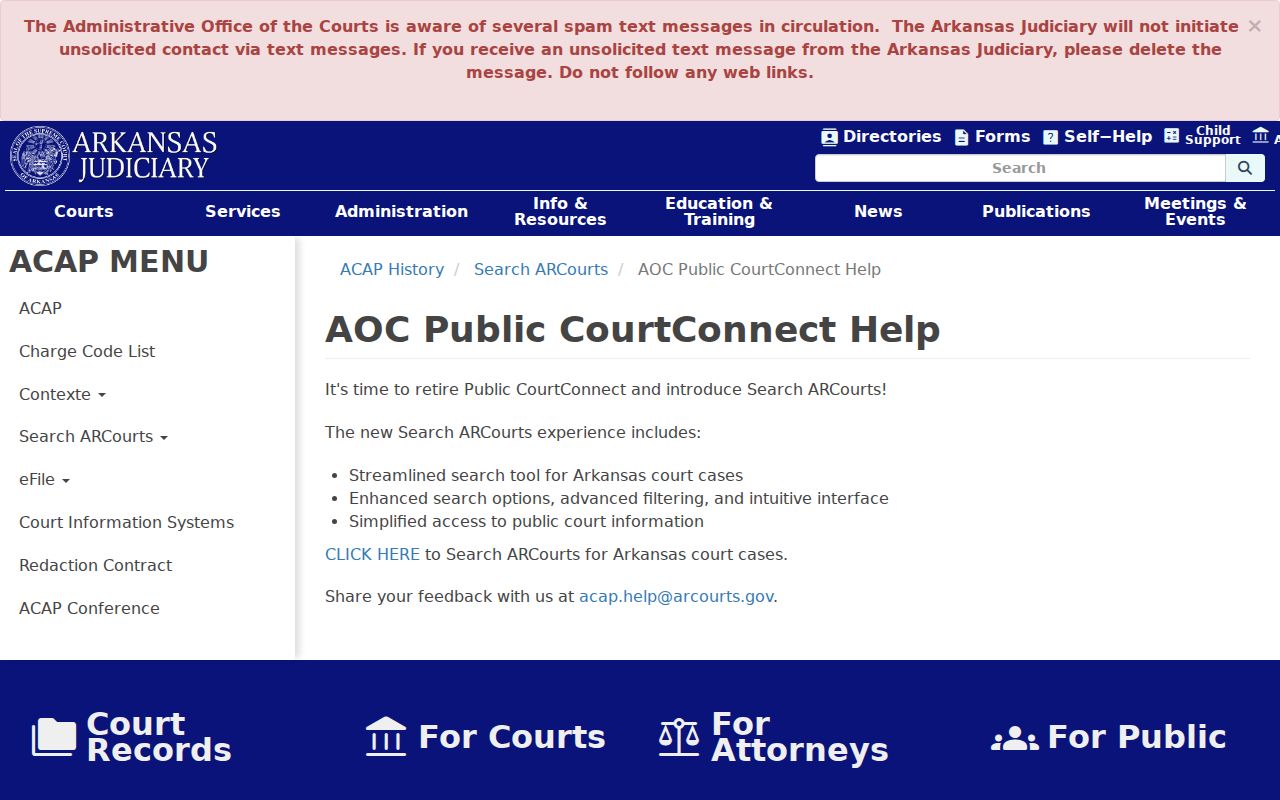
That shift is why old walkthroughs sometimes show screens or menu names that no longer exist. Start at the current official entry point, then narrow by Jefferson County and the court filters, and skip unofficial indexes entirely.
Jefferson Case Search Missing Results
An empty result is not proof the case is absent. Try the exact case number again first. Then search by participant or organization with Jefferson County and court filters applied. Confirm whether the matter belongs to Circuit Court or a District Court department. A filing image may simply live elsewhere. For a missing image, give the owning clerk the event date and description.
Older files may fall outside remote coverage. Ask the clerk whether the record sits in an on-site index, a bound volume, microfilm, or an archive. Retrieval from those can take longer. For a hearing, call the division itself rather than a payment vendor. A vendor can settle an eligible transaction, but it does not keep the full court docket.
Jefferson District Case Search Fallback
District Court files sometimes vanish from statewide results. Each court handles participation, posting time, and public-access settings differently. For a traffic or misdemeanor case, figure out which Jefferson department issued it. Then call that clerk. Pine Bluff Divisions 1 and 2 share a building. Yet they run separate phone lines and records channels. The right department can confirm the local case number. It can also tell you whether the file has posted and how to request the public docket.
Access and Restricted Cases
Arkansas Supreme Court Administrative Order No. 19 opens court records to the public. But it carves out protected information. Withheld categories include juvenile records and adoptions. They also cover some guardianship or probate material, sealed criminal records, Social Security numbers, account numbers, and anything shielded by law or court order. So a public case view might drop a case entirely. It might hide one participant, show an event with no image, or flag content as restricted. Each of those outcomes means something different.
Remote access is often narrower than what you can inspect through the custodian. A Jefferson County case search may leave out something you expected. Ask the proper clerk for an access decision. A blanket Arkansas Freedom of Information Act request will not override the judiciary's access rules. It will not override a sealing order either. Clerk staff can walk you through process, though they cannot advise you on ways to obtain restricted content.
Jefferson Case Search Document Links
A visible Documents link tells you the portal releases that filed image under its current security setting. A blank cell proves nothing about sealing, loss, or non-filing. Write down the docket description and date. Then call the Jefferson County Circuit Clerk for a Circuit file or the District Court clerk for a district file. Request inspection or a copy quote, and mention certification whenever you need an official record.
Jefferson Federal Case Search Boundary
Federal dockets sit outside Search ARCourts entirely. Jefferson County falls in the Eastern District of Arkansas, Central Division. District, bankruptcy, and appellate records there run through PACER and CM/ECF. The old Pine Bluff Division was abolished. No new Pine Bluff cases were filed after November 2019, so direct current federal questions to the Eastern District. For extra reach, the CourtListener RECAP repository may hold a contributed federal document.
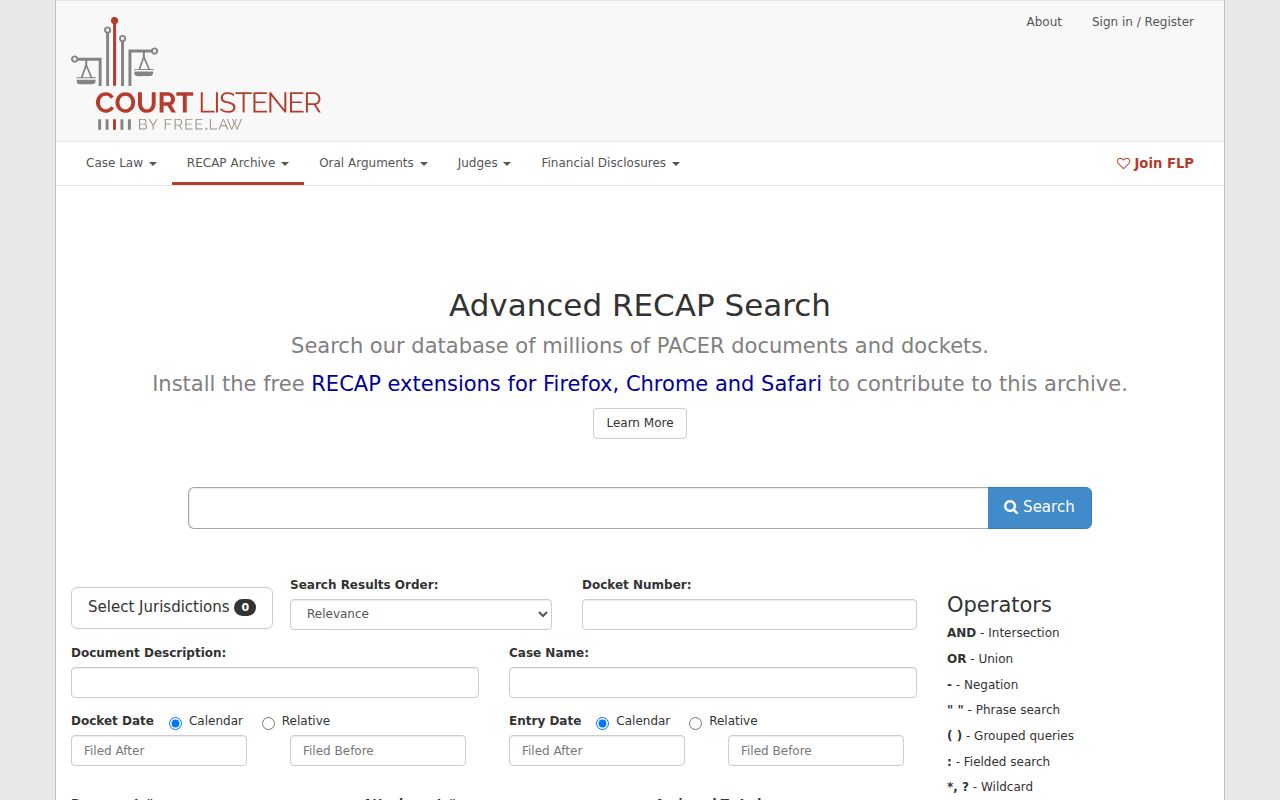
RECAP is not the official record. PACER remains the federal public-retrieval system, and the federal clerk still certifies documents. Keep state case lookup and federal research separate from your first search onward.